Support
We're here to help
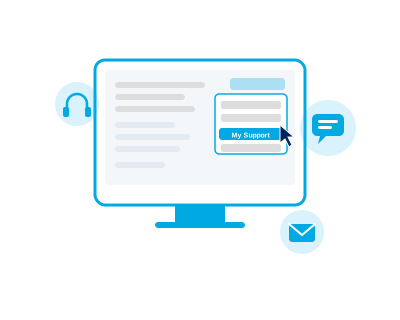
Our support is built right into the products you use every day. You can report issues, ask questions, and get assistance directly from within the application — no need to visit an external website.
How to Get Support
My Support
Open your product, click on your user menu, and select "My Support". From there you can submit issues, ask questions, and track your requests.
Email Us
Lost connectivity to the system? You can always reach our support team by email at support@apvitsolutions.com.
We're Always Here
Our team is committed to resolving your issues promptly. Whether it's a quick question or a complex problem, we've got you covered.
Getting Help in 3 Easy Steps
1
Open your product — log in to APV Lab&Field or APV myCashFlow as you normally would.
2
Go to My Support — click on the user menu in the top-right corner and select "My Support".
3
Submit your request — describe your issue or question and our support team will get back to you.
Development support? Sign in to the support portal. Support agent? Click here.